New · v1.0.0 for Windows (Stable)

Downloads that feel effortless.
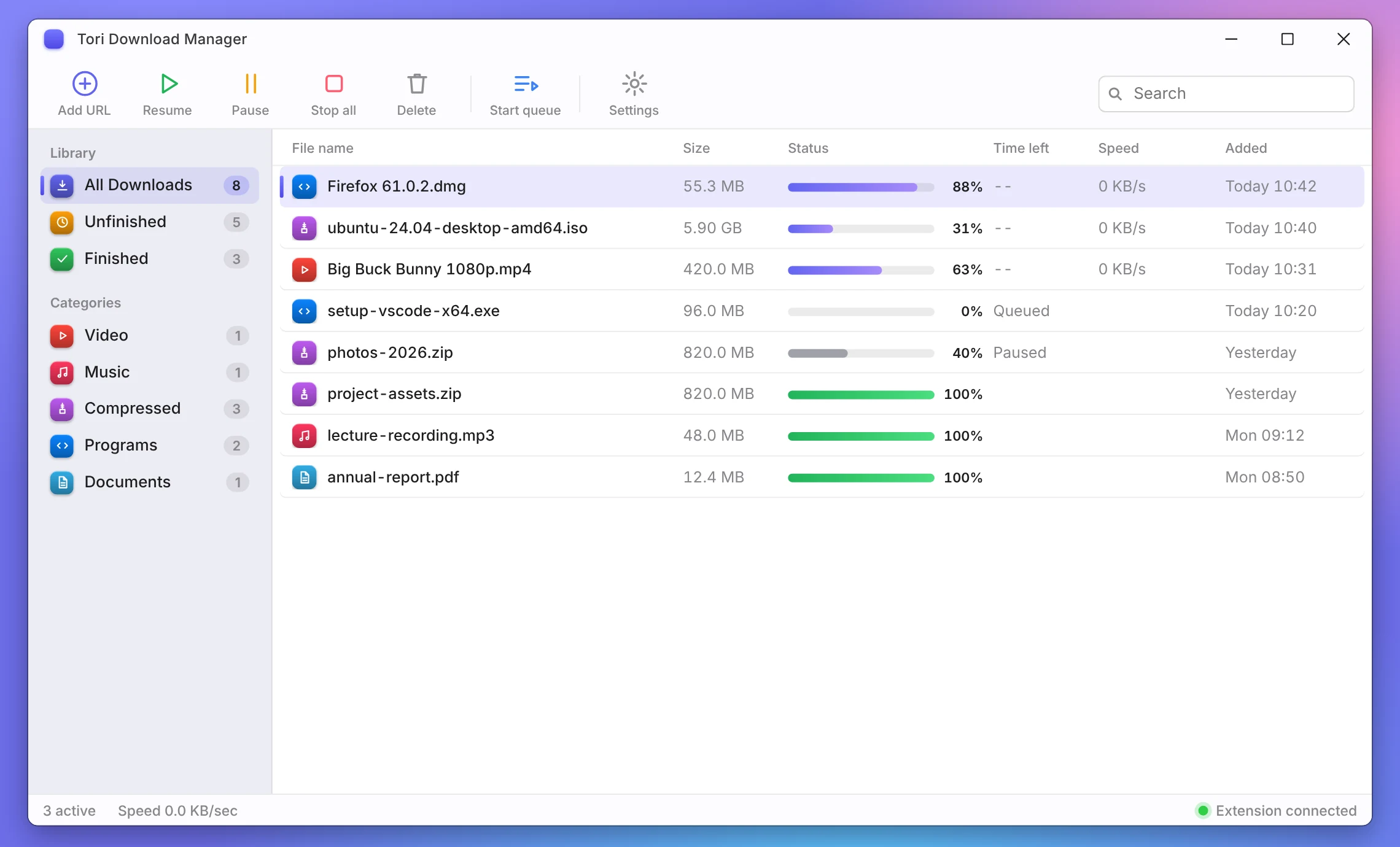
TORI is an open-source, high-speed Windows download manager with Chromium browser capture, streaming video grabbing, and up to 32 parallel connections per file.
Windows 10 / 11 · 64-bit · Free & Open Source · Extension & release notes
See it for yourself
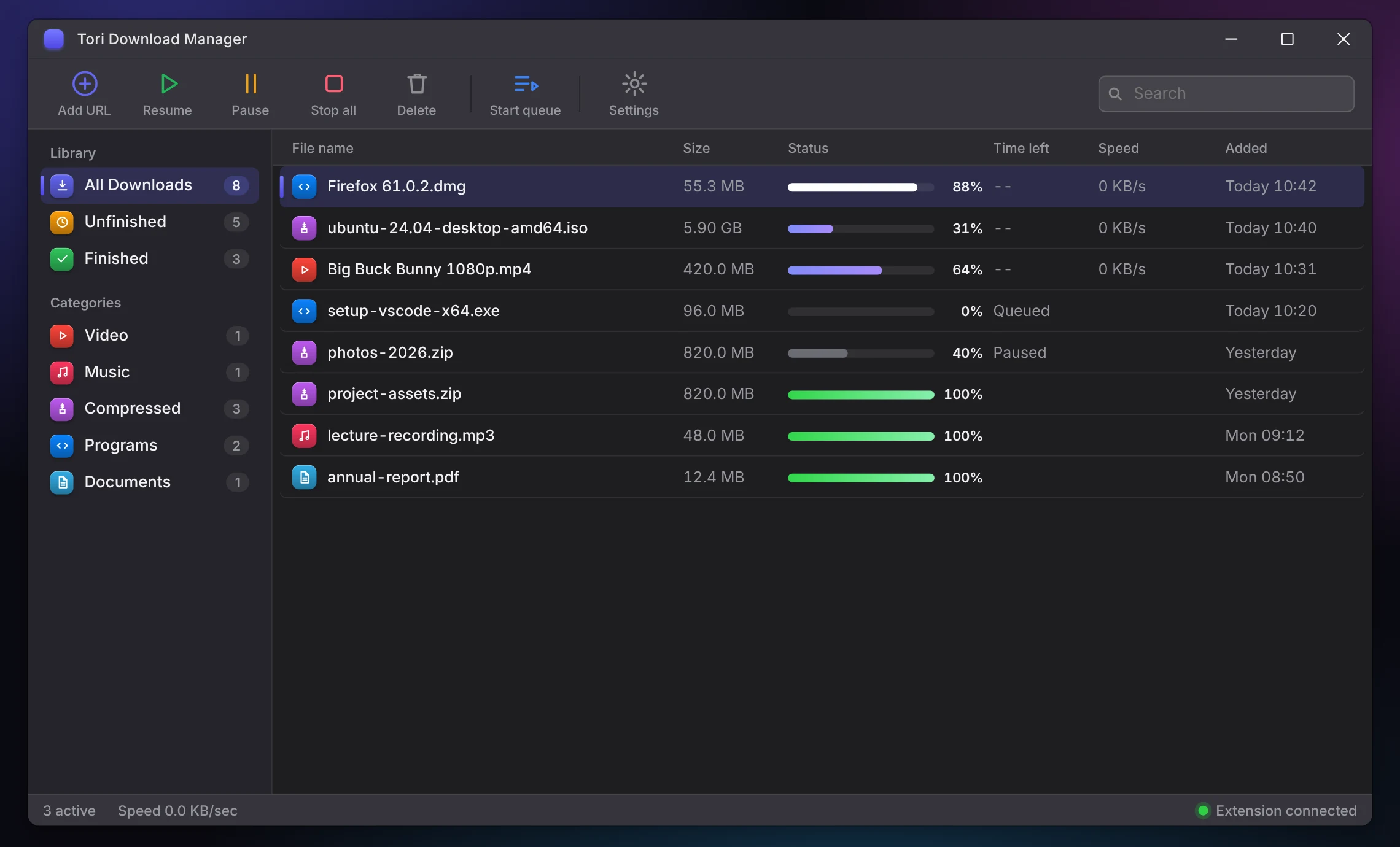
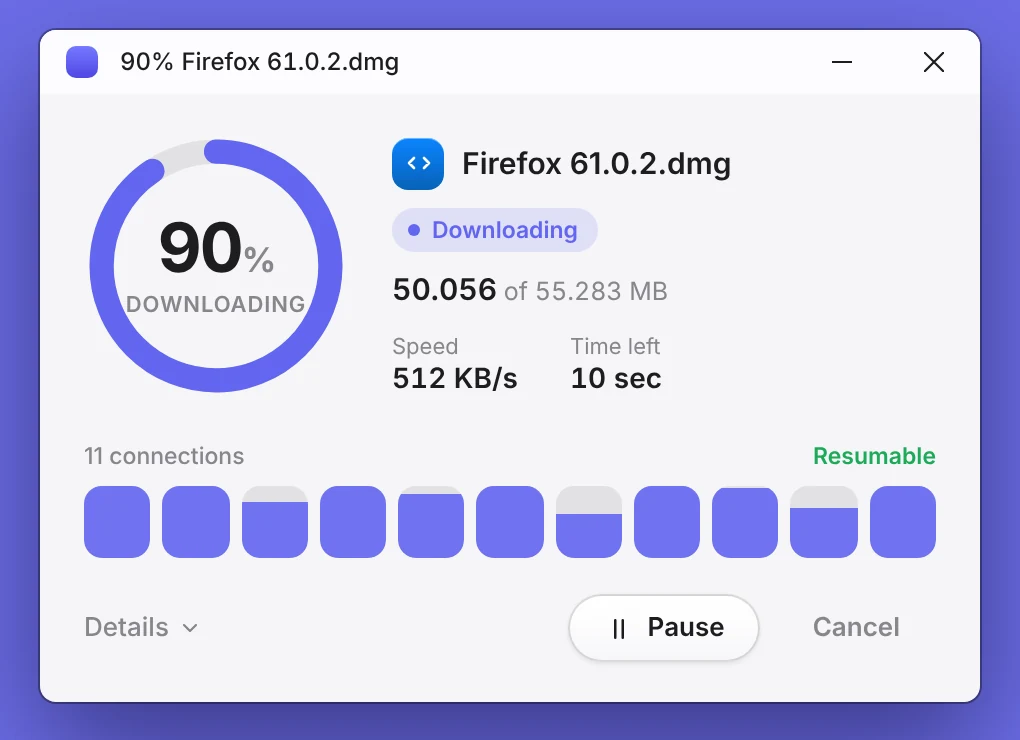
Interface previews and design renders of TORI's main window, browser companion, and floating progress notifications.
Accent
Back to home
All Releases on GitHub
Get TORI
Grab the Windows installer and the browser companion, or explore release history directly from GitHub.
TORI v1.0.0
v1.0.0
Latest Stable
github.com/robijoychakma375-hash/tori-download-manager · released Nov 7, 2026
What’s included in v1.0.0
- Multi-segment engine: up to 32 concurrent ranged connections per file
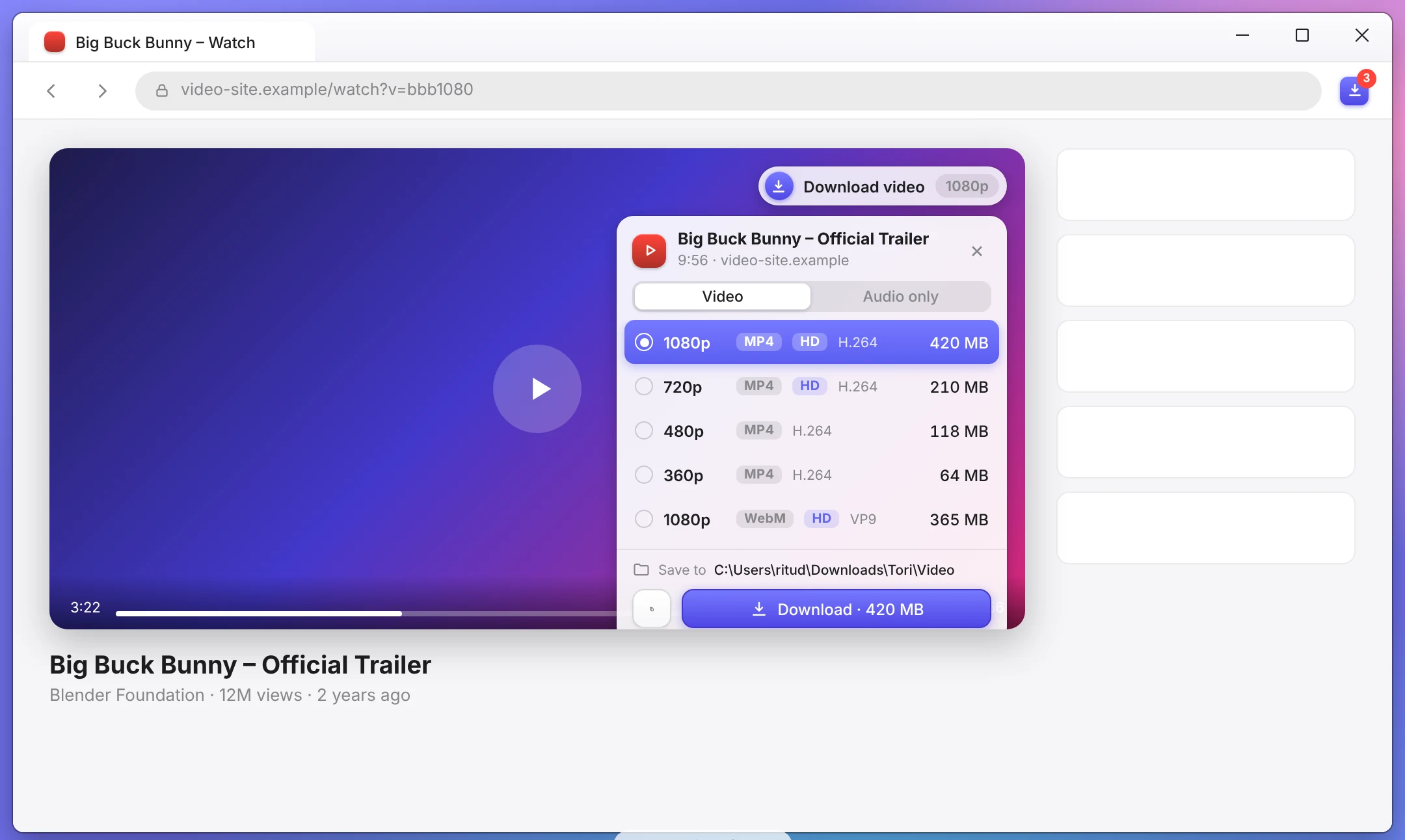
- Chromium companion: one-click media detection for Chrome & Microsoft Edge
- Stream capture & remuxing: native Apple HLS (.m3u8) & MPEG-DASH (.mpd) with FFmpeg
- Integrated BitTorrent & magnet link downloading powered by librqbit
- Crash-proof SQLite WAL state persistence and background system tray execution
Step 2 · Add the extension
TORI browser companion
Version 1.0.0 · Google Chrome & Microsoft Edge
Capture downloads and grab streaming videos right from your browser. Pick resolution, audio-only, or stream format, then send it to TORI in one click.
Unpack the archive, then load it in Developer Mode from your browser’s extensions page. Note: Unpacked extensions require manual updates when new versions release. Store versions: in progress.
Release Archive & Previous Versions
Direct Windows installer downloads and release notes for all published stable versions.
Loading published stable release history...
Ready for faster downloads?
Get TORI for Windows in a few seconds. 100% free and open source.